Ana ReyesSupervisor

06:00 AM03:00 PM8h
Block 7 — Orchard
 TAKE
TAKEWorkforce operations platform — worldwide
Field and crew attendance on the farm — works offline where the signal ends. Keep attendance and time records together for your team.
For teams across 15 industries. Choose your country to see local availability.
Make it yours
Industry
From your browser’s language and timezone, not your IP. Stored on this device only.
Attendance that works where the signal ends.
Field and crew attendance on the farm — works offline where the signal ends.
See it run
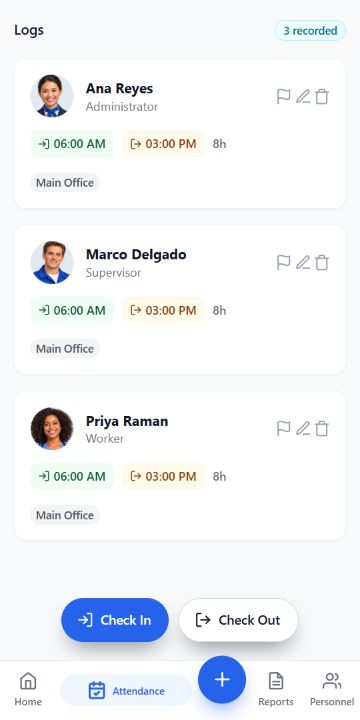
KwikTime attendance screen preview. The app is English-only. Illustrative people and demonstration records protect employee privacy.
One platform · Fifteen industries
Missing clock-outs, scattered timesheets and last-minute questions can take over your day. Keep attendance and time records together so your team can review them before payroll.
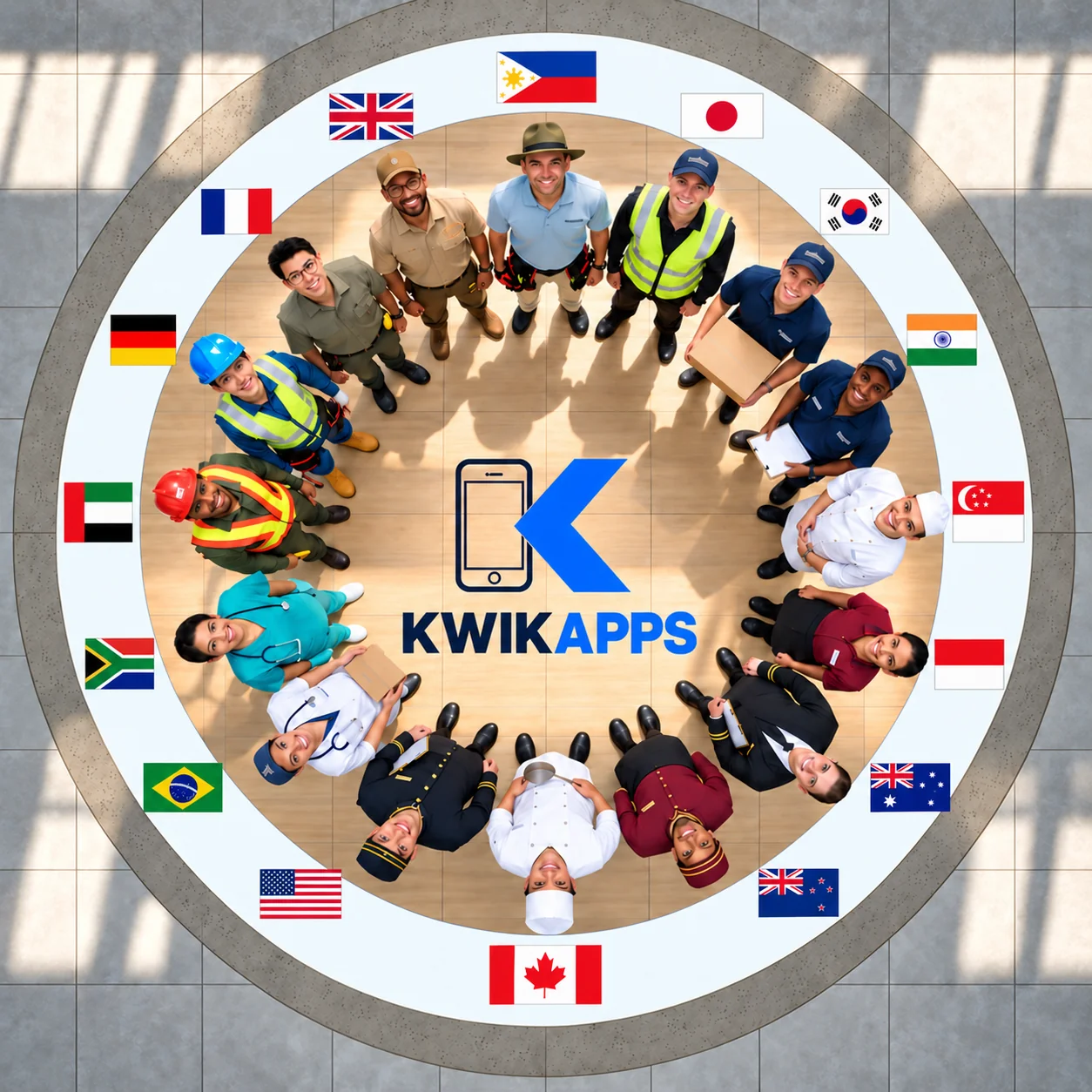
Illustrative image of teams across industries.
The module family
KwikTime is available now. Products marked planned or in development are not available to buy.
Stop retyping timesheets before payday. Record attendance, review working hours and export time records for your payroll process.
Vehicles, heavy equipment, and the people who run them — asset registration, maintenance, fuel, odometer and hour-meter capture. In development, and being proven in our own operations first; not yet available to buy.
Materials, tools, and stock.
Documents and quality records.
Hiring and the employee lifecycle. Selected workflows are in beta, separate from KwikTime.
Safety events and PPE records. Selected workflows are in beta, separate from KwikTime; further features remain in development.
Quantities and estimating.
Billing and costs.
Payroll payouts, with your approval at every step.
Controlled AI assistance. It will assist; it will never sign.
Pricing
Per active worker. Monthly or annual. Choose your country.
KwikTime
This price covers KwikTime only. Your first successful subscription payment includes a one-time, 30-day invitation to explore eligible beta modules in development. Beta access ends automatically, with no automatic charge. Explore daily and share feedback with support@kwikapps.app.
Philippines
Or ₱69 × 11 = ₱759 for the year — one month free, about 8% off.
Two terms only: monthly, or annual at one month free. Add workers any time; each added seat is one full month. How we count and what we refund: Refund and Billing Policy.
Ask KwikAPPS Planned module · scripted, not live
Less daily admin.
More time for your business.
Your team records the day. You review the exceptions. Keep the working day moving.
A simpler working day
A poor connection should not mean another paper attendance sheet. Record the shift and reconnect later.
Keep recording attendance when the connection drops.Face scanning is optional. Offer another way to clock in to workers who decline, and follow the privacy requirements where you operate.
Your team. Your choice.Night differential, holiday and rest-day premiums, and no rounding-down of rendered time — the Philippine Labor Code ships first, and jurisdictions are profiles by design.
Arts. 83/86/87 · G.R. 244629 · floating duty daysGRASP devotes a whole principle to time recording: a system that captures working hours per Worker, with in and out times. Fields lose signal, so check-ins are captured offline and reconcile when the phone finds a connection — hand-entry flagged either way.
GRASP v2 11.1 / 12.1 · per-worker in/out · flagged, never guessedLess admin, more control
Reliable attendance. Private records. People in control.
Keep recording attendance while you resolve a subscription issue. Paid features may be locked.
Keep your team’s records within your company’s authorised access.
Review important decisions before acting on your records.
Review missing clock-outs and adjustments while there is still time to resolve them.
See whether a figure is verified, reported or estimated before relying on it.
KwikAPPS OPC is an independent company. KwikTime does not represent, and is not affiliated with or endorsed by, any government agency. Statutory rates are transcribed from each authority’s own published source; KwikTime prepares working copies for your review and does not submit filings or make payments on your behalf. Verifying the figures before you file or pay is yours to do.
You decide whether to accept, correct or reject a result before using it.
For busy working days
Record attendance on the phones your team uses at work.
Clear controls help your team clock in and get on with the shift.
Track attendance, keep time records and export them.
The app interface is in English.
Company record
KwikTime's face recognition runs on the site phone — matching happens on the device itself, and the photos taken to enrol a face never leave it. The mathematical face template, and any ID-card photo, are stored in your own organisation's database so a worker can be recognised on any of your devices; they are held under access controls that deny them to every other customer, and they are never pooled with another company's. Face scanning is optional. Each employer decides whether to use it and, as the controller of its workers' data, is responsible for obtaining each worker's consent and for recording attendance another way for any worker who declines; KwikAPPS processes that data on the employer's behalf. Biometric processing is governed by the Data Privacy Act of 2012 (RA 10173); a Data Protection Officer has been designated (dpo@kwikapps.app), and our registration with the National Privacy Commission has been filed and is awaiting the Commission's validation.
Try KwikTime with demonstration data, then create your company workspace.
Create your company